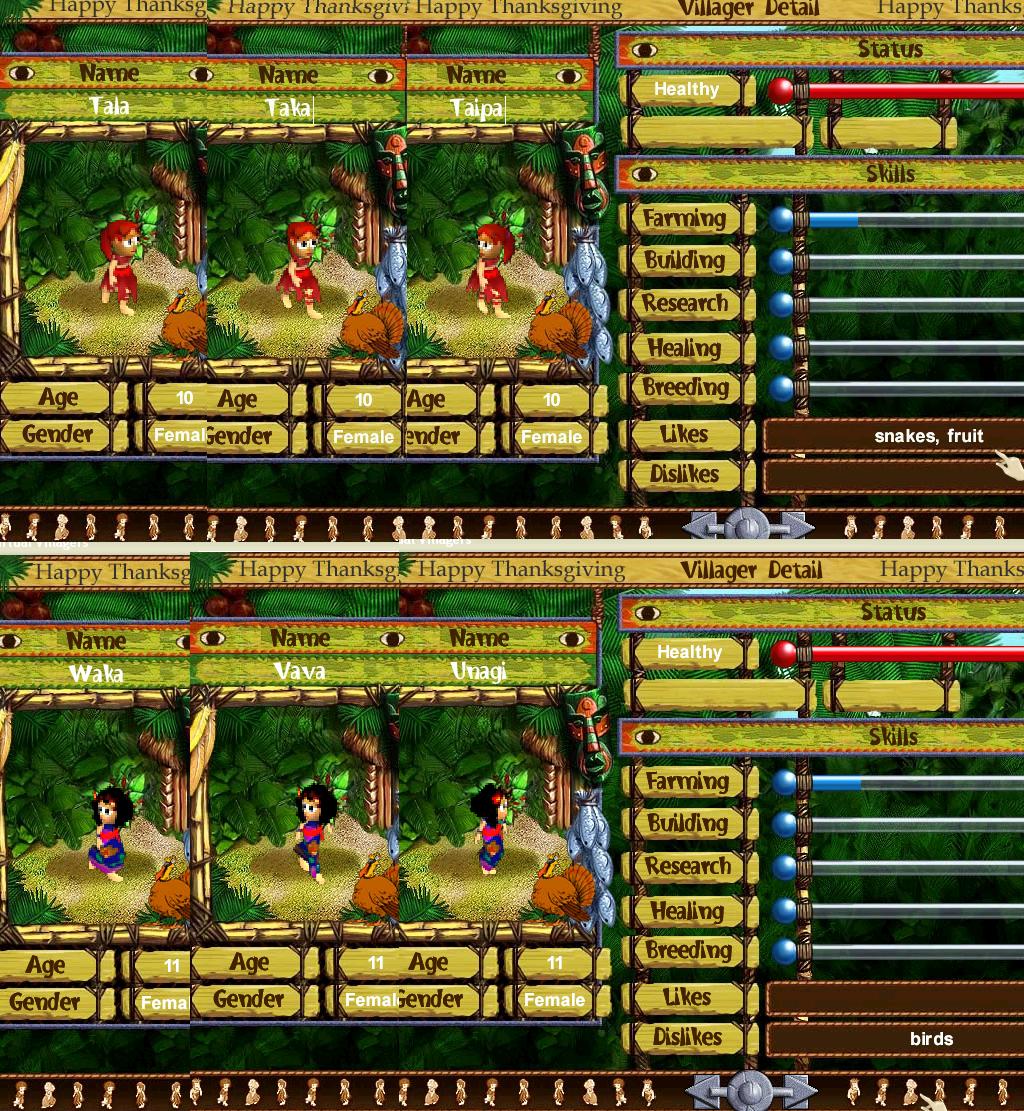
When you have clicked on reply or new post. see the file manager on the bottom lift under where you write and click on it. then click on browse, then choose the pic you want. then click on add. wait until it comes on the manager, then you can click on done adding. That would be the attachment.
If you want to put it on the same page as the text. you click on the attachment that you already posted and highlight the part where you write the web site address and lift click then copy. then after you gone back to your post you then click on edit. the is a row of boxes where it says post click on the 3th box and past it then click on ok. check it on if you want to make sure its done click on "I want to preview my changes" if your happy with it, then just click on change post
LadyFCII well lead you to easy instrutions
Edited by Annthewhofan (04/12/08 10:21 PM)
_________________________








 post more!!!!

 Previous Topic
 Index
Index